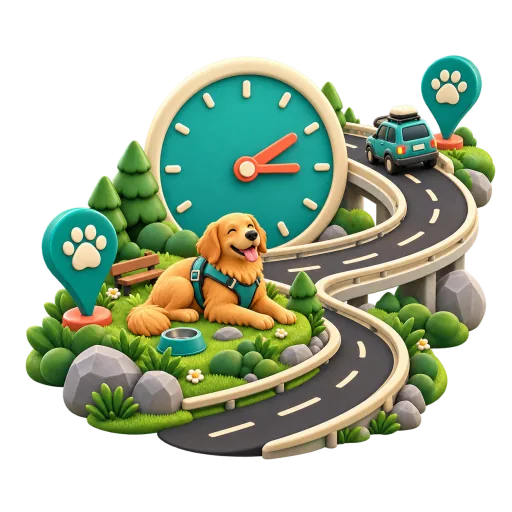
A practical break rhythm
Pet mode uses about two hours as the longest default break interval. If another traveler preference already calls for a tighter rhythm, that tighter plan remains in charge.
Pet-aware road trip planning
Find places for a proper break, ask about hotel pet policies, and give your pet’s stops a place in the plan.
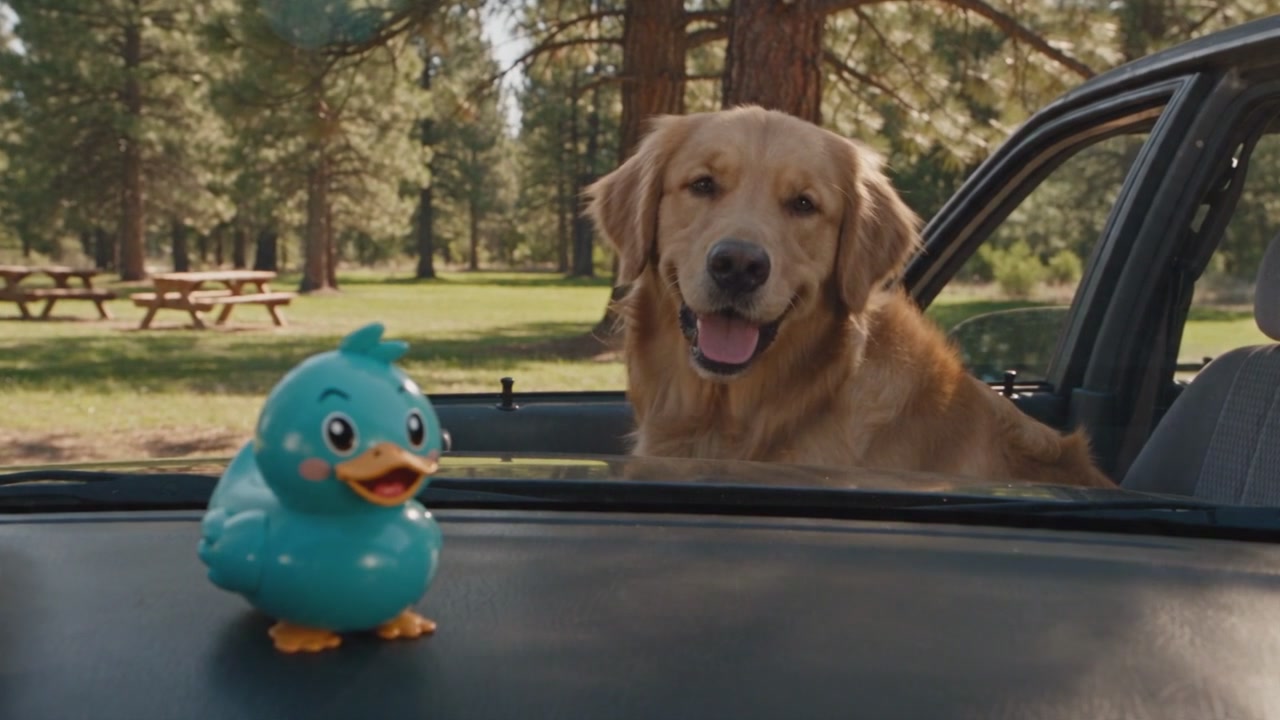
TL;DR: RestMap helps plan road trips with dogs, cats, or other pets without labeling every stop pet-friendly. It uses a two-hour starting rhythm and source-qualified pet-area evidence. Confirm venue rules and current conditions before relying on a stop.
Pet-Aware Trips
Pet mode affects the plan only when you choose it. Restroom quality, meal timing, family needs, and tighter break preferences still keep their place in the route.
Pet mode uses about two hours as the longest default break interval. If another traveler preference already calls for a tighter rhythm, that tighter plan remains in charge.
In pet mode, Inspector adds a "With a pet" note when an accepted source reports a pet area. A reported pet area is not the same as venue-wide pet admission.
If you choose to add pet context before sending a Trip Report, it can summarize pet-area evidence across the plan, call out coverage gaps, and add fallback and packing guidance.
Try the planning logic
This local preview turns drive length and pet type into a starting checklist. It does not search stops or claim that a venue admits pets.
Your starting point
Place page · Hotel pet policies
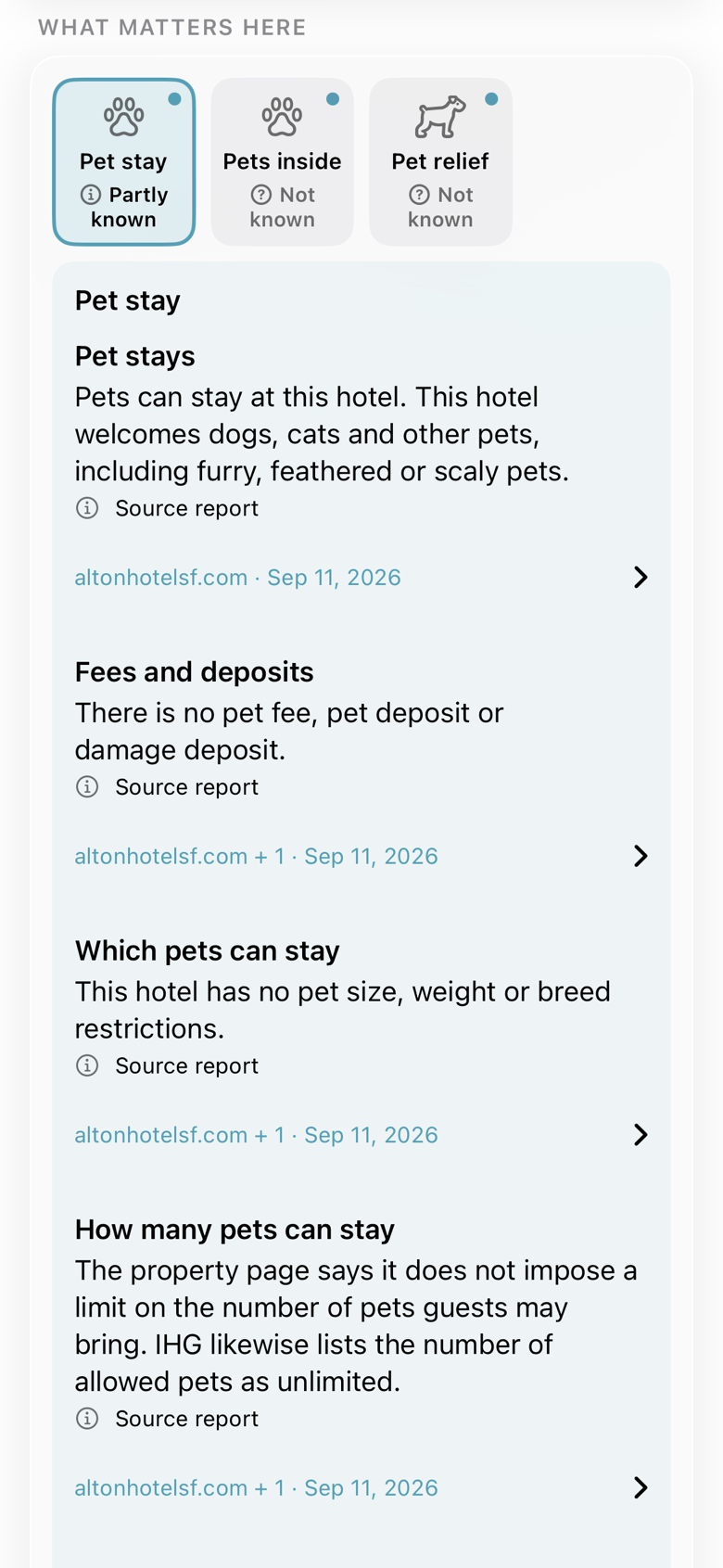
A night away with your dog should start with the details: fees, deposits, size limits and where pets can go.
Open the hotel in RestMap and tap the Pet stay tile. This Alton Hotel example organizes the details by topic, with source names and dates beside each finding.
Compare the details with your needs, then open the source or contact the hotel to confirm the policy for your stay.
Open in RestMapWhen a tile is not known yet, Inspector can look it up with welcome or earned credits. Premium includes a monthly allowance.
Then compare your options
A dog needs a break on I-95. Which stop has information about a pet relief area?
Compare the same need across nearby places. Here, Maryland House has a reported dog park; Chesapeake House has some details about a leash-only walking area. The unanswered questions stay in view.
Find pet stops in RestMap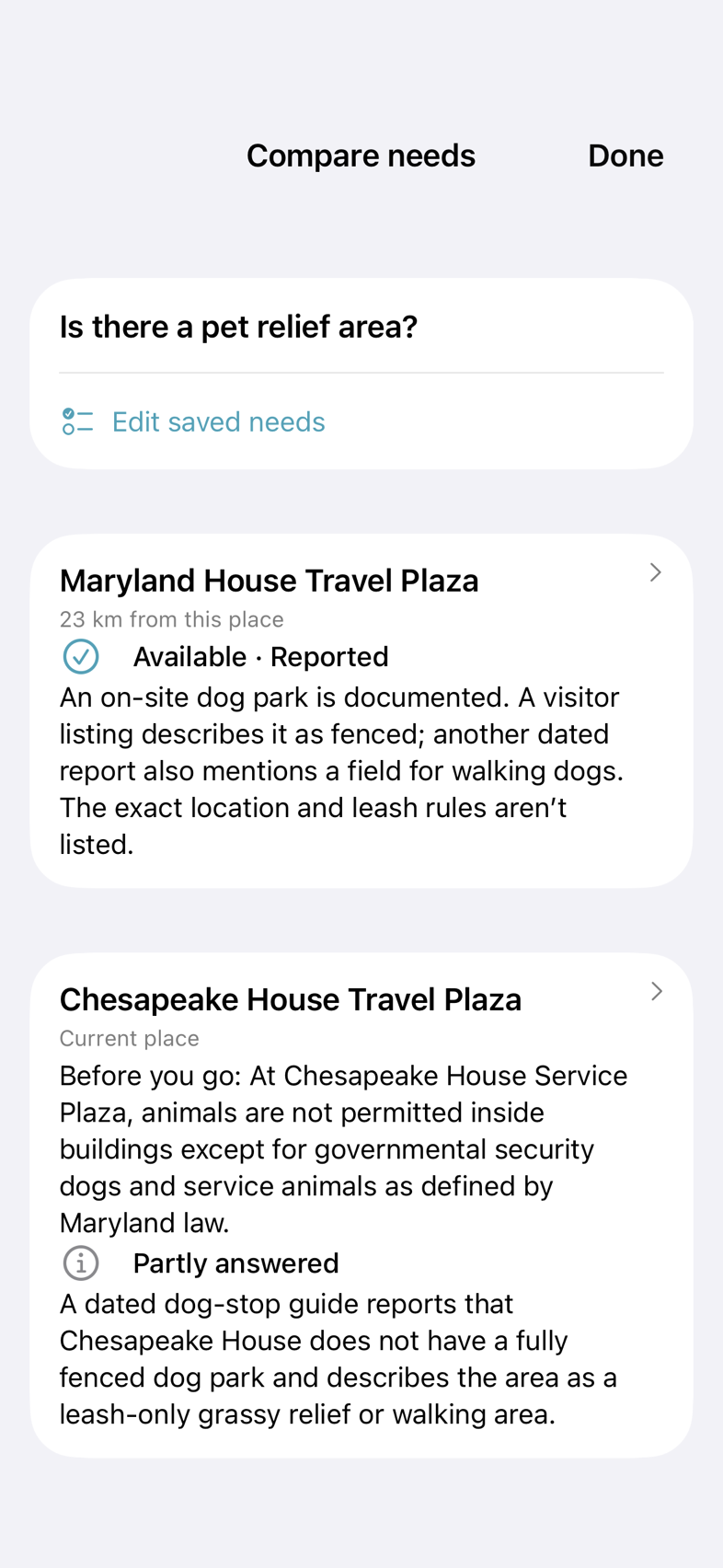
How it works
The selection is explicit and device-local. It changes pet-aware planning and presentation instead of silently affecting every route.
Journey IQ uses a roughly two-hour rhythm and surfaces reported pet-area evidence on planned stops when the checked source carries it.
RestMap distinguishes a reported pet area from unknown evidence and from a venue admission policy. The last one still needs direct confirmation.
Pet suggestions appear for a pet-aware plan, but nothing about who is traveling is added to the AI request until you select the wording, review it, and tap Send and create report.
Honest stop context
Pet travel data is uneven. RestMap preserves that uncertainty so a thin record does not become a confident claim.
A source associated with the stop carries a positive pet-area signal. It says nothing by itself about fencing, shade, water, cleanliness, or pet admission inside a business.
The checked source did not establish the detail. This is an evidence gap, not a finding that no pet area exists.
Inspector can add source-dated place context and show confidence when a supported fact is available. Conditions may still change after it was checked.
Call or check the venue directly for admission rules, service-animal policies, seasonal closures, and any detail that could change the decision to stop.
Keep planning
Pet context works alongside restroom quality, route timing, source labels, and optional Premium research.
See how Journey IQ, RestRoom IQ, Scout IQ, charging, and cached route data work together.
Plan the whole driveLearn which source groups inform RestMap and why source labels matter when details are incomplete.
See the sourcesExplore the sourced place checks and downloadable trip guidance that add depth when you ask for it.
Explore PremiumWhen Traveling with Pets is selected, RestMap uses about two hours as the longest default break interval. A tighter interval from another traveler preference remains authoritative.
Highway rest areas often have a signed pet relief area, and many gas stations and parks have a grass strip you can use on a leash. RestMap plans a pet break about every two hours, shows reported pet-area evidence for stops along your route when a checked source describes one, and labels a stop with no report as unknown rather than guessing.
Many state rest areas do, but not all, and the details change. RestMap treats a pet relief area as reported when a source such as OpenStreetMap or a state rest-area listing describes it, and it never turns a missing record into a claim that there is none. Confirm on arrival before you plan the whole break around it.
No. A reported pet area is an amenity signal, not a venue-wide admission policy. Confirm indoor access, pet rules, and current conditions directly with the venue.
Yes. The break rhythm is pet-aware rather than dog-only, and optional Trip Report suggestions include a dog, cat, or another pet. Some pet-area source records may still describe dog-oriented facilities, so review the evidence for your situation.
Open a place and the pet tiles show what is known about pet relief areas or hotel pet policies. Read available fees, restrictions and amenities with sources, then compare places against the same need. Missing information stays visible, and Inspector can look it up.
After you choose and review pet context, a Trip Report can summarize how many planned stops carry source-qualified pet-area evidence, identify uncovered stops or days, suggest a fallback check, and include a practical pet packing reminder.
The device-local pet selection does not enter an Inspector request. For a Trip Report, pet context is optional and appears as a suggestion that you must choose, review, and send yourself.
Yes. Traveler preferences and route planning remain free. Trip Reports, Place Reports and Deep Inspect are part of RestMap Premium.
Download RestMap free and build a route with honest pet-area evidence, restroom scores, and room for the unknowns.